🪟 Snap Layouts
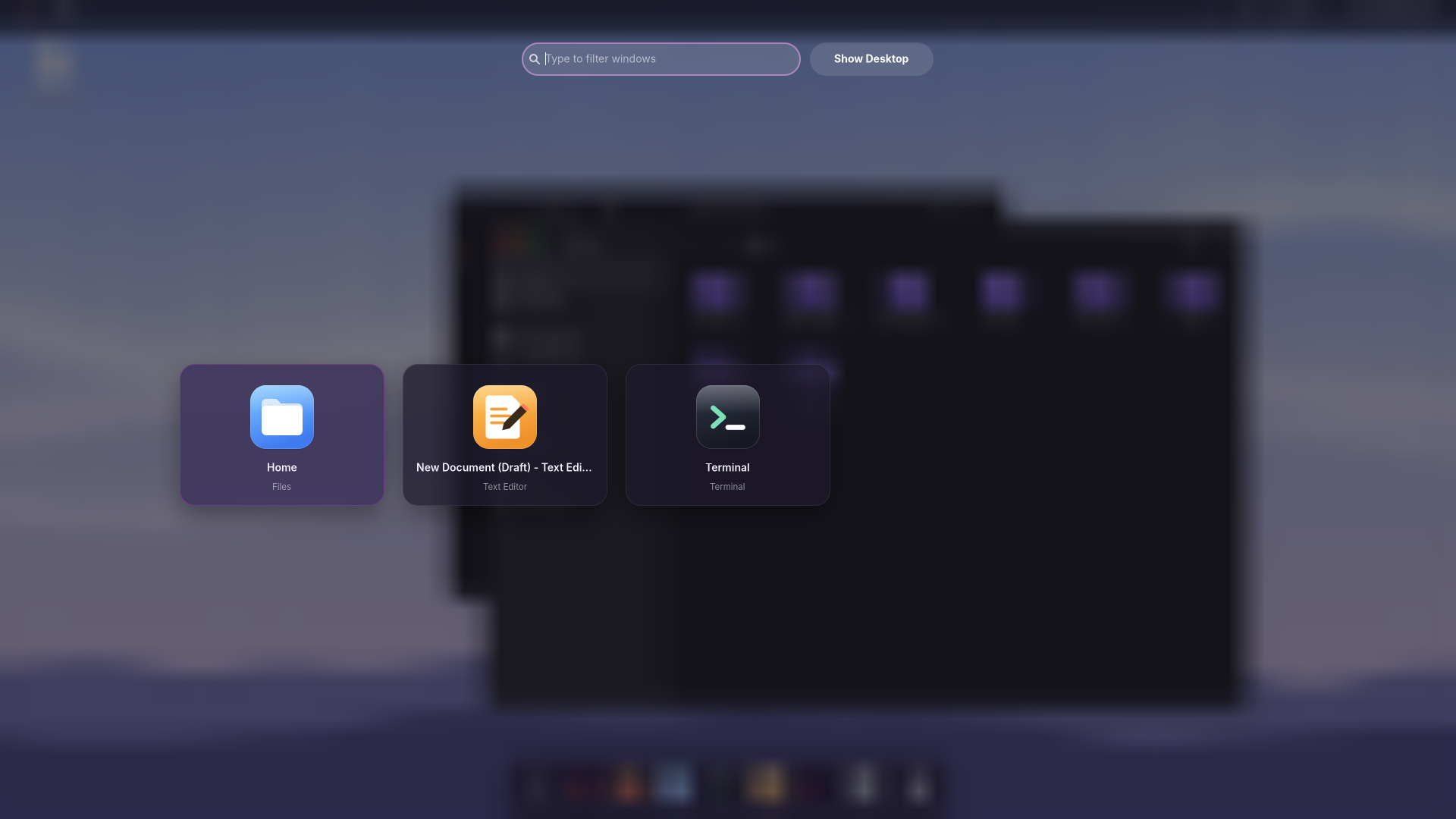
Super+Z shows six layouts, as in Windows 11: point at a zone to see where the window goes, click, and Snap Assist offers your other windows for the empty spaces. Super+T keeps a window on top.
🧩 Twenty-three widgets
To-do list, countdown, sun and moon, progress of the year, recent files and clipboard join the clock, weather, notes and gauges. Each has its own options, and a compact gallery adds them where there's room.
🌅 A picture a day
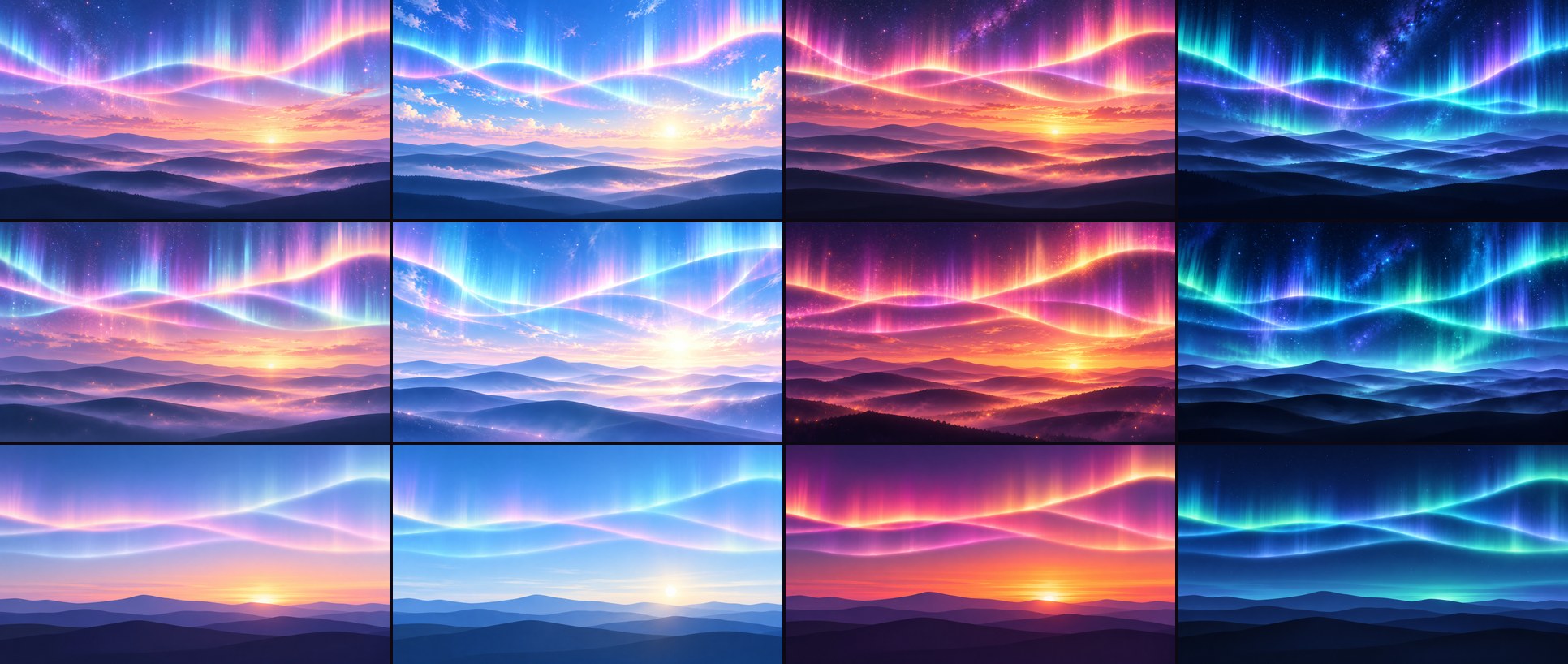
Backgrounds work like Windows' Personalize page: dynamic, a picture, a slideshow from any folder, a solid color, or Bing's, NASA's or Wikimedia's picture of the day with its story.
📲 Quick settings, Android style
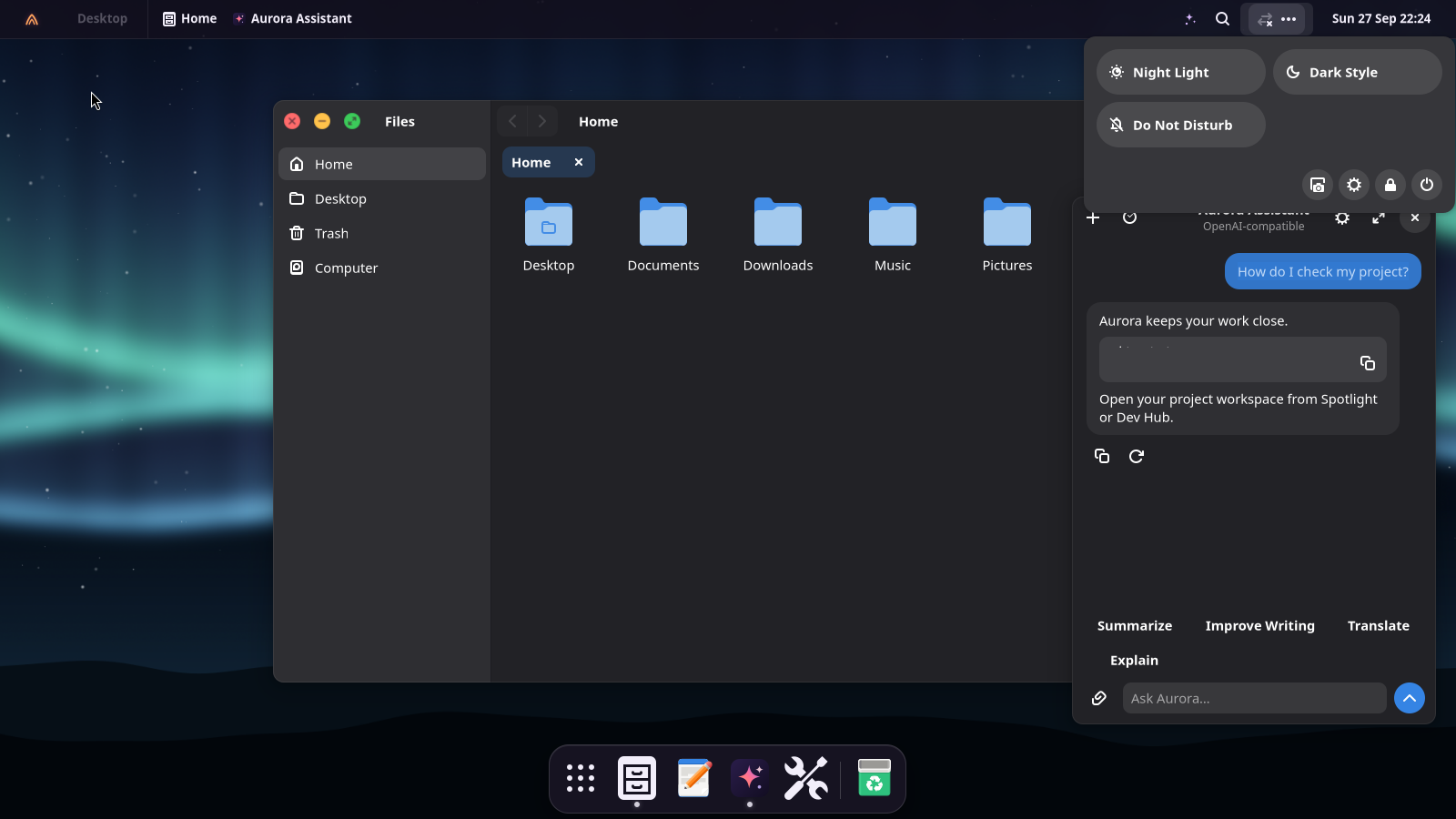
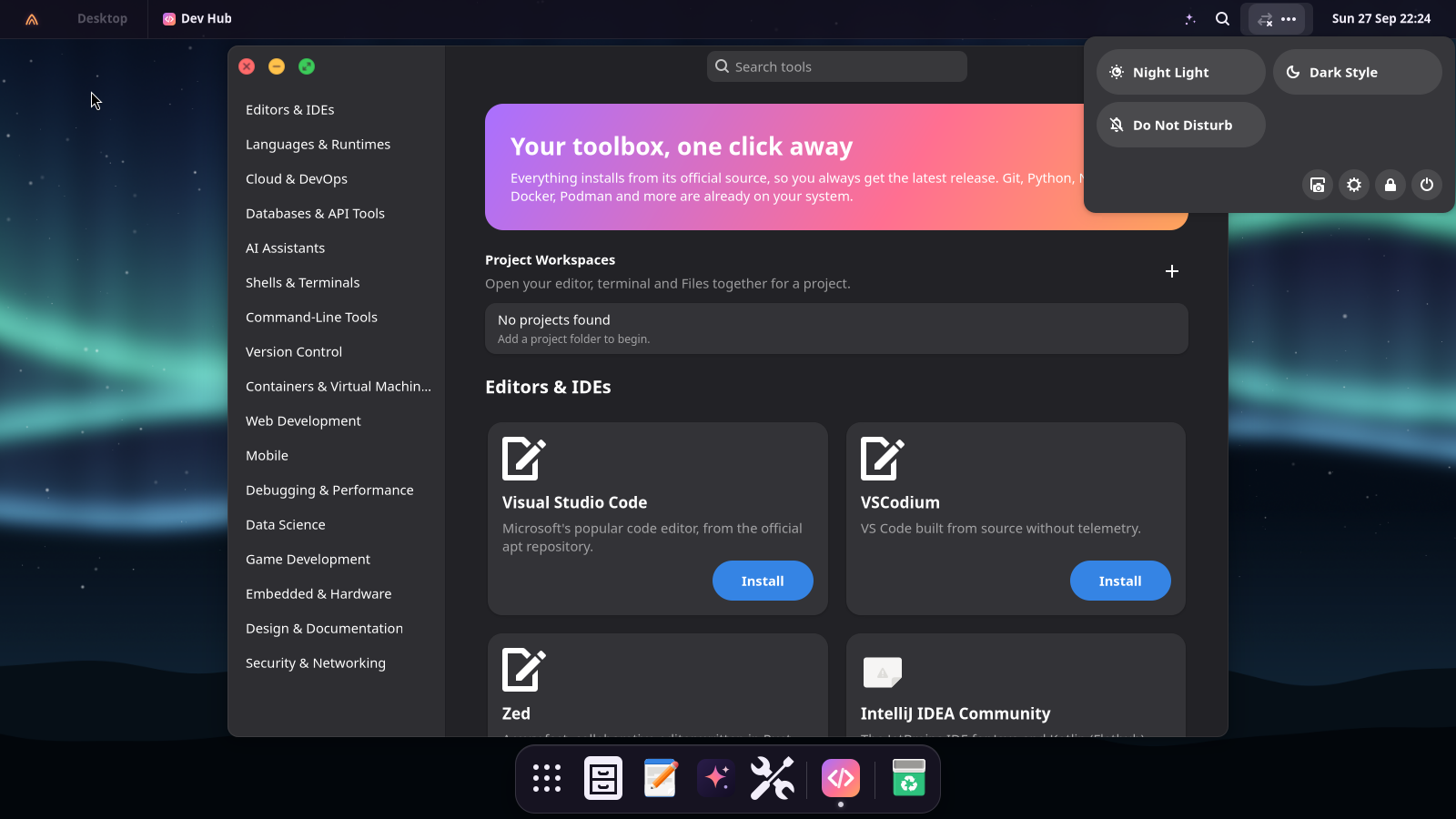
The time on top, thick sliders and big tiles that light up in your accent color. The Aurora menu shows who you are and puts sleep, restart and shut down one click away.
🔑 Codes, copied
A notification with a one-time code gets a Copy 482913 button: no more squinting and retyping.
📊 Task Manager
Ctrl+Shift+Esc: apps and their processes, End Task, live performance graphs, startup apps and services.
🧹 Storage and Screen Time
See what fills the disk and free it in one click; Storage Sense cleans up by itself. Screen Time shows each app's day and reminds you at the limits you set.
📌 Pin it to the screen
Any screenshot can float above your windows while you work: Super+Shift+P, draw, done. Files resizes pictures and tells you which program keeps a file “in use”.
🔋 It thinks ahead
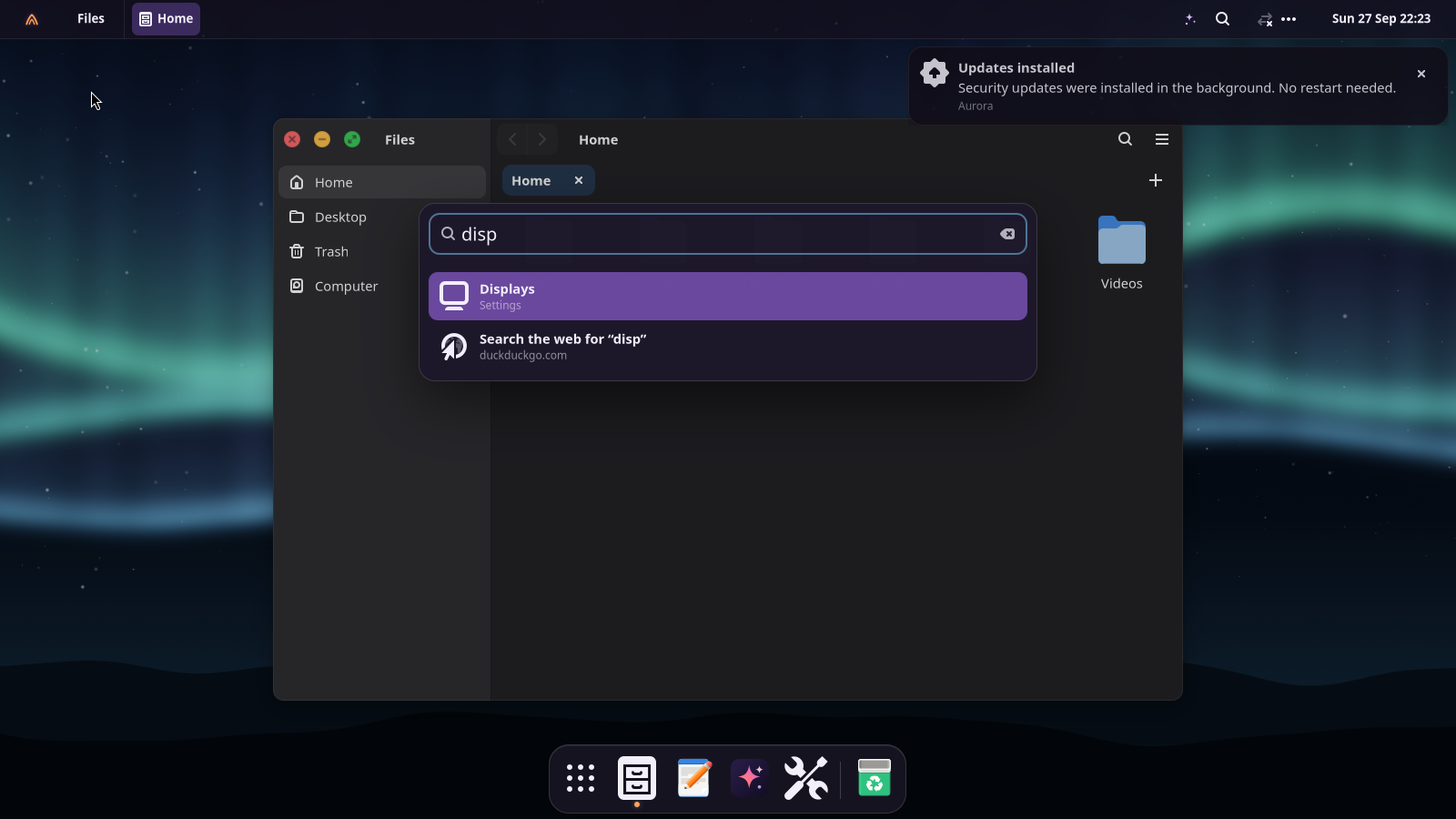
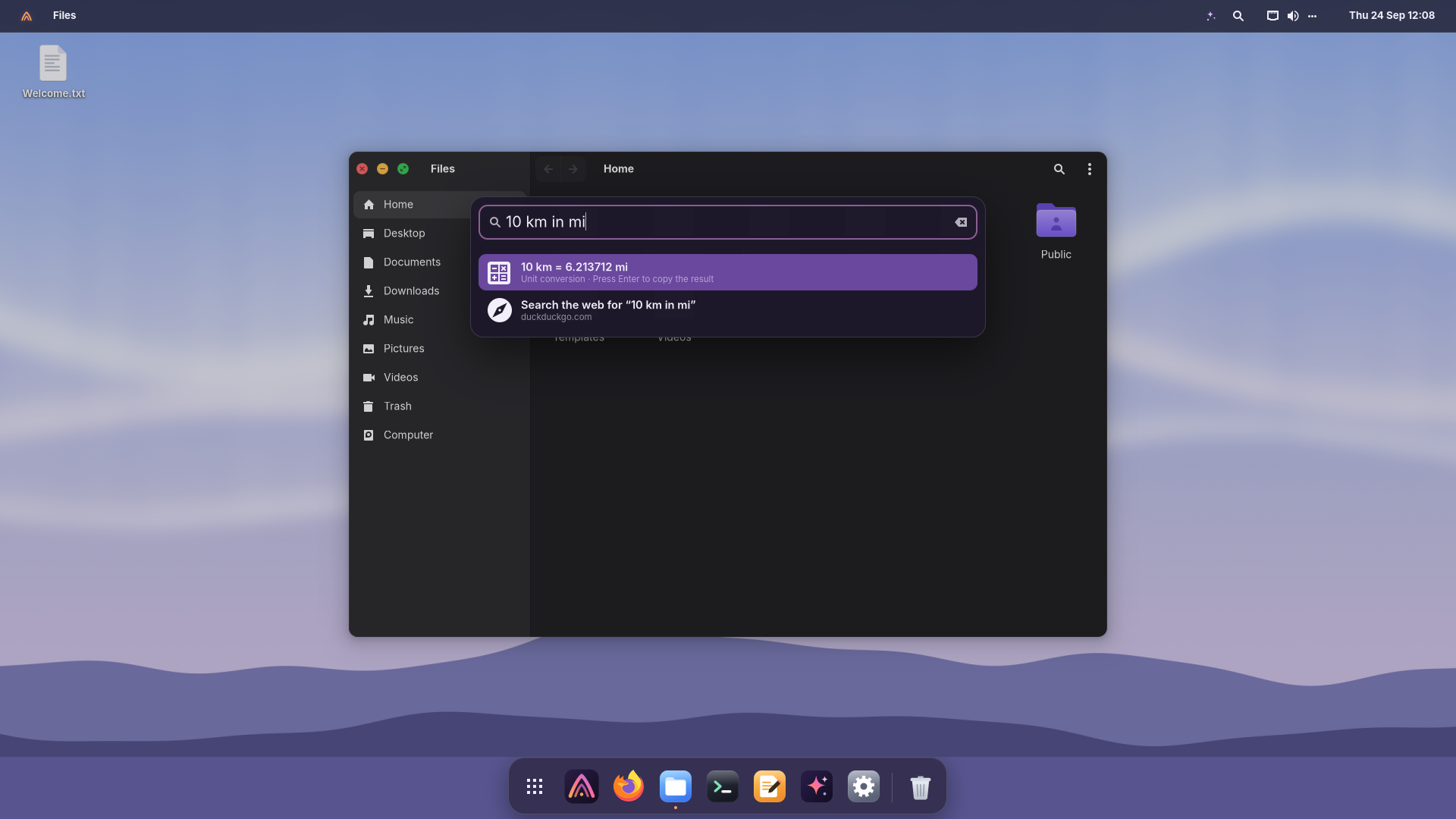
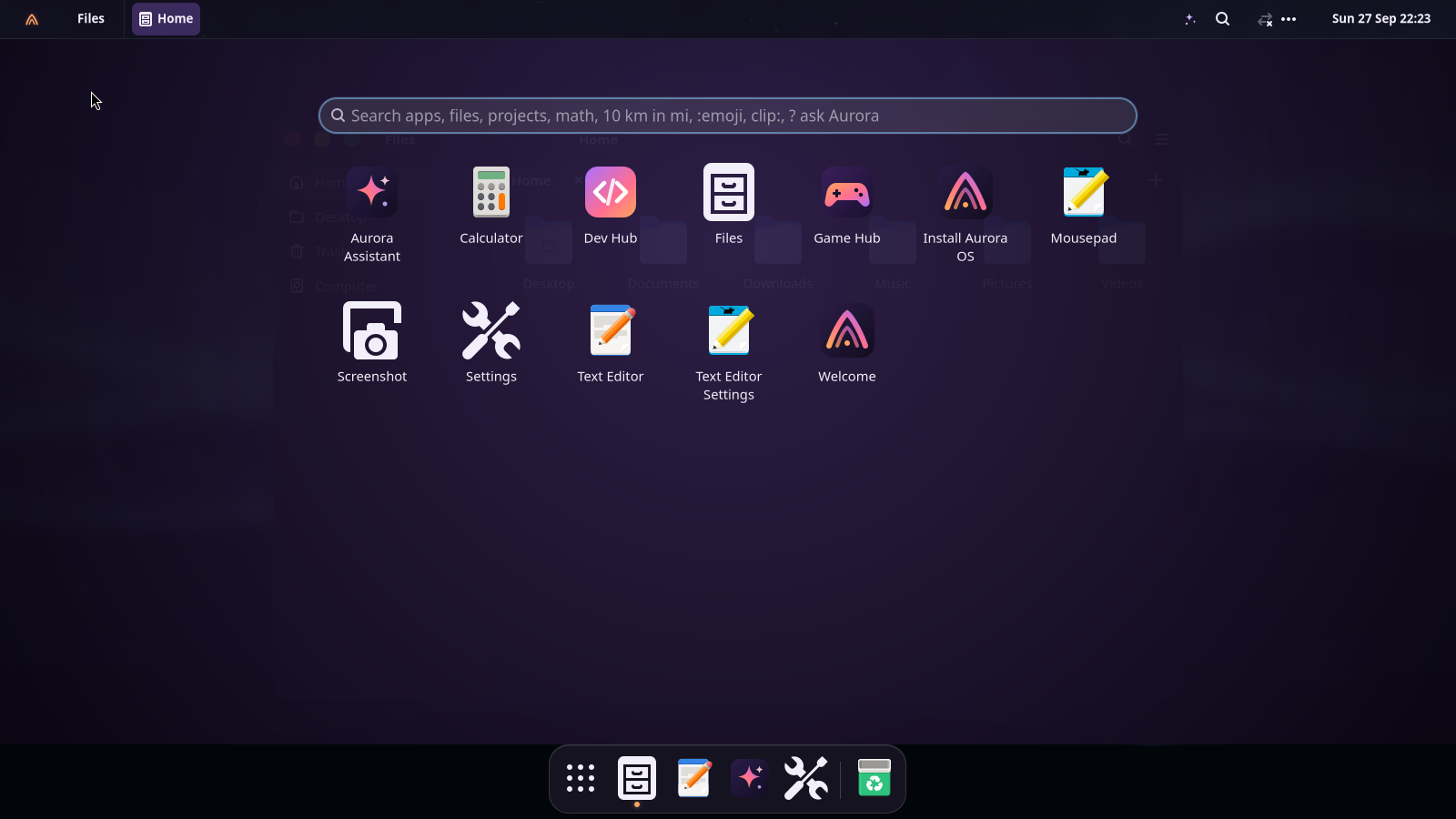
Battery Saver turns on by itself at 20%, Do Not Disturb during games, videos and screen sharing, and Spotlight runs “restart” or opens ~/Documents as you type.
🎨 One look everywhere
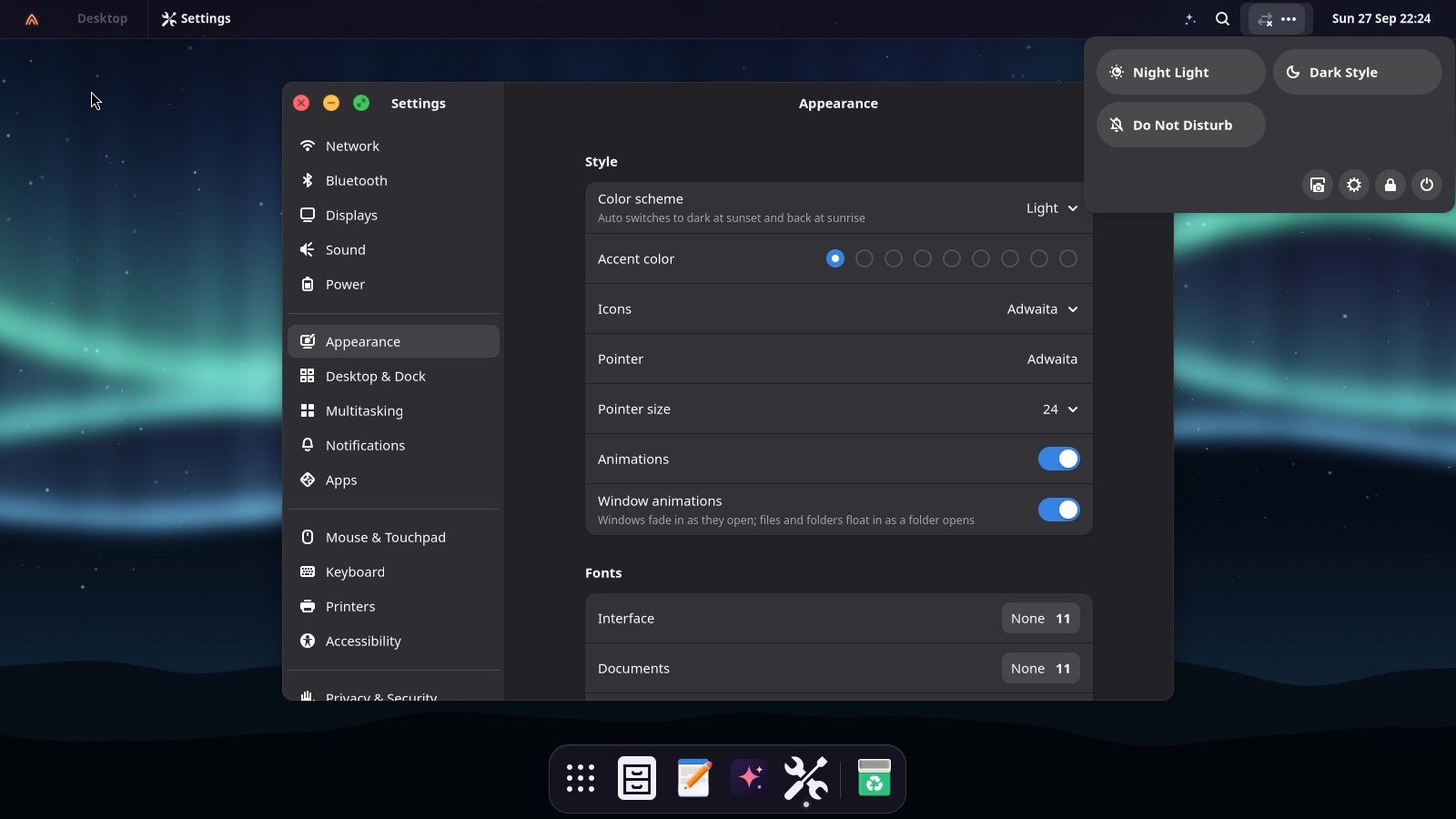
GTK 4, GTK 3 and Qt apps, window borders and icons all follow your light or dark style and accent color, instantly.
🔔 It tells you what matters
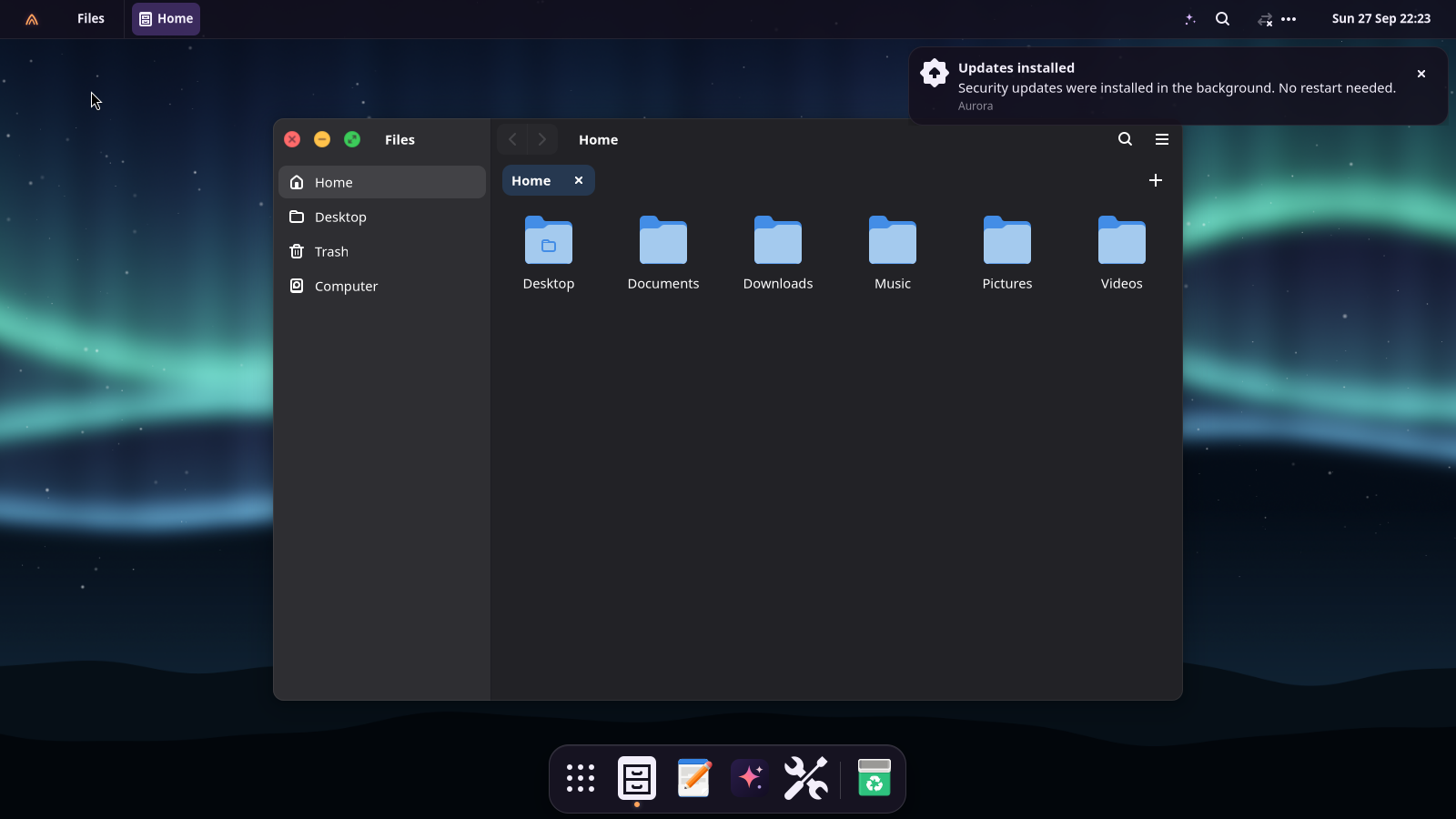
Updates ready, battery low, a USB drive plugged in, a screen recording saved. The Activities menu tracks transfers, downloads and installs, with failures you can inspect.
🔐 A lock screen you'll like
A big clock over your wallpaper, a clean password field, and automatic locking when you step away.
🔒 Secure by default
Firewall on, automatic security updates, full-disk encryption in the installer, Secure Boot on installed UEFI systems, no telemetry.
💻 Runs on your hardware
Firmware for Intel, AMD, Realtek, Broadcom and MediaTek; Wi-Fi, Bluetooth, fingerprint readers, touchpads; guest tools for QEMU, VMware and Hyper-V.
⏪ Undo a bad update
Aurora takes a system snapshot before every update. If something breaks, pick Aurora OS snapshots in the boot menu and start yesterday's system. Your files are never touched.
📝 Text from any picture
Screenshots offer Annotate and Copy Text. Super+Shift+T copies the text inside any part of the screen, offline, in 18 languages.
📱 Your phone, connected
With KDE Connect your Android phone or iPhone shows its notifications on the desktop, and you can share files and the clipboard. It's one switch in Settings.
☁️ Weather and calendar
Click the clock for your calendar, notifications and today's weather with the next hours. No account needed.
👆 Fingerprint
Set up your finger in Settings → Users and use it instead of the password for sudo and admin prompts.
🎶 It sounds like Aurora
A warm marimba motif when you log in and a gentle goodbye when you shut down. Both are original, and one switch turns them off.
🖼️ Icons made for Aurora
Apps, violet folders with an emblem for Home, Downloads or Music, and every file type as a page with its label (PDF, PY, ZIP, DOC…). Famous brands keep their own logos.
✨ Gentle animations
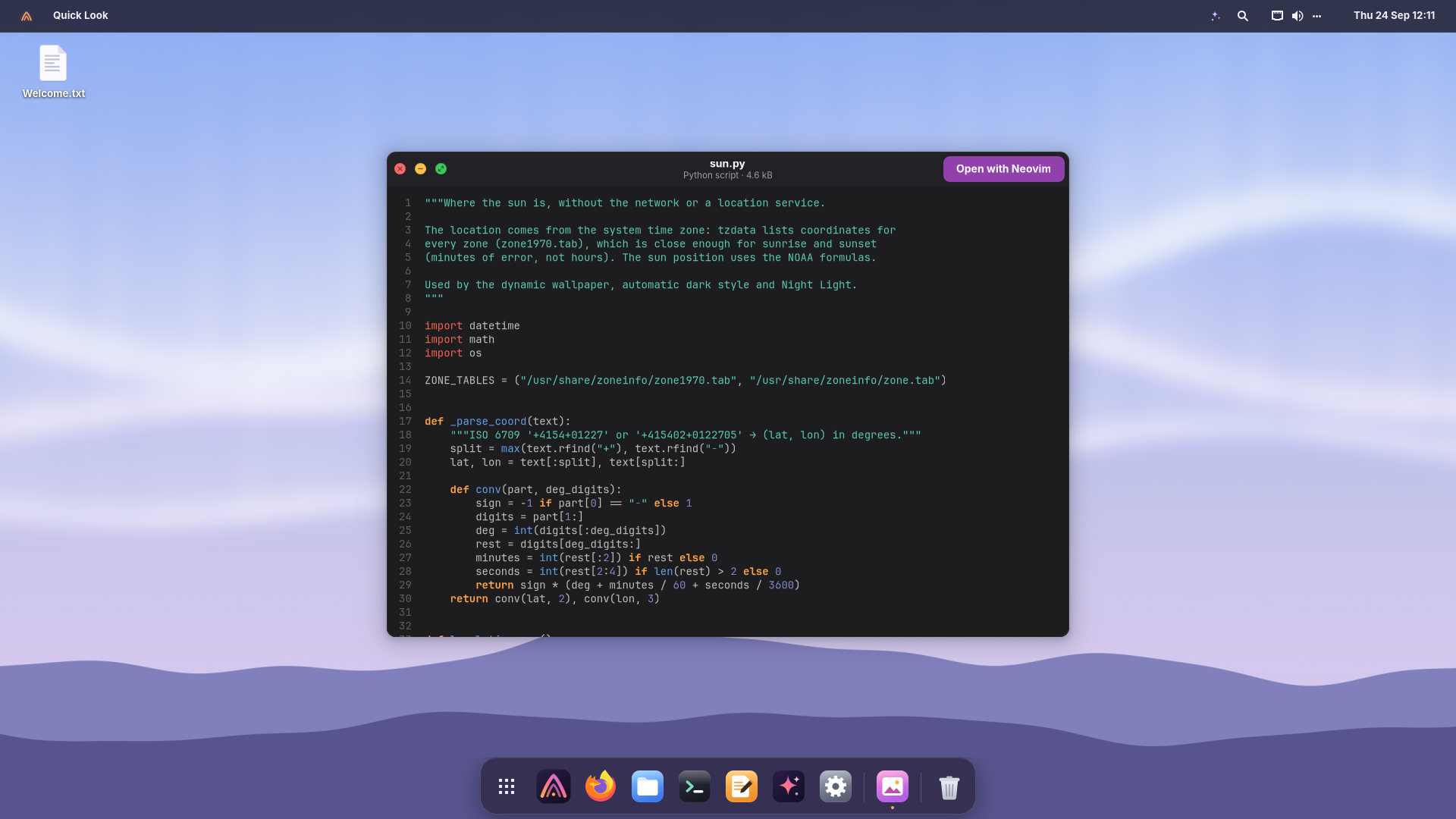
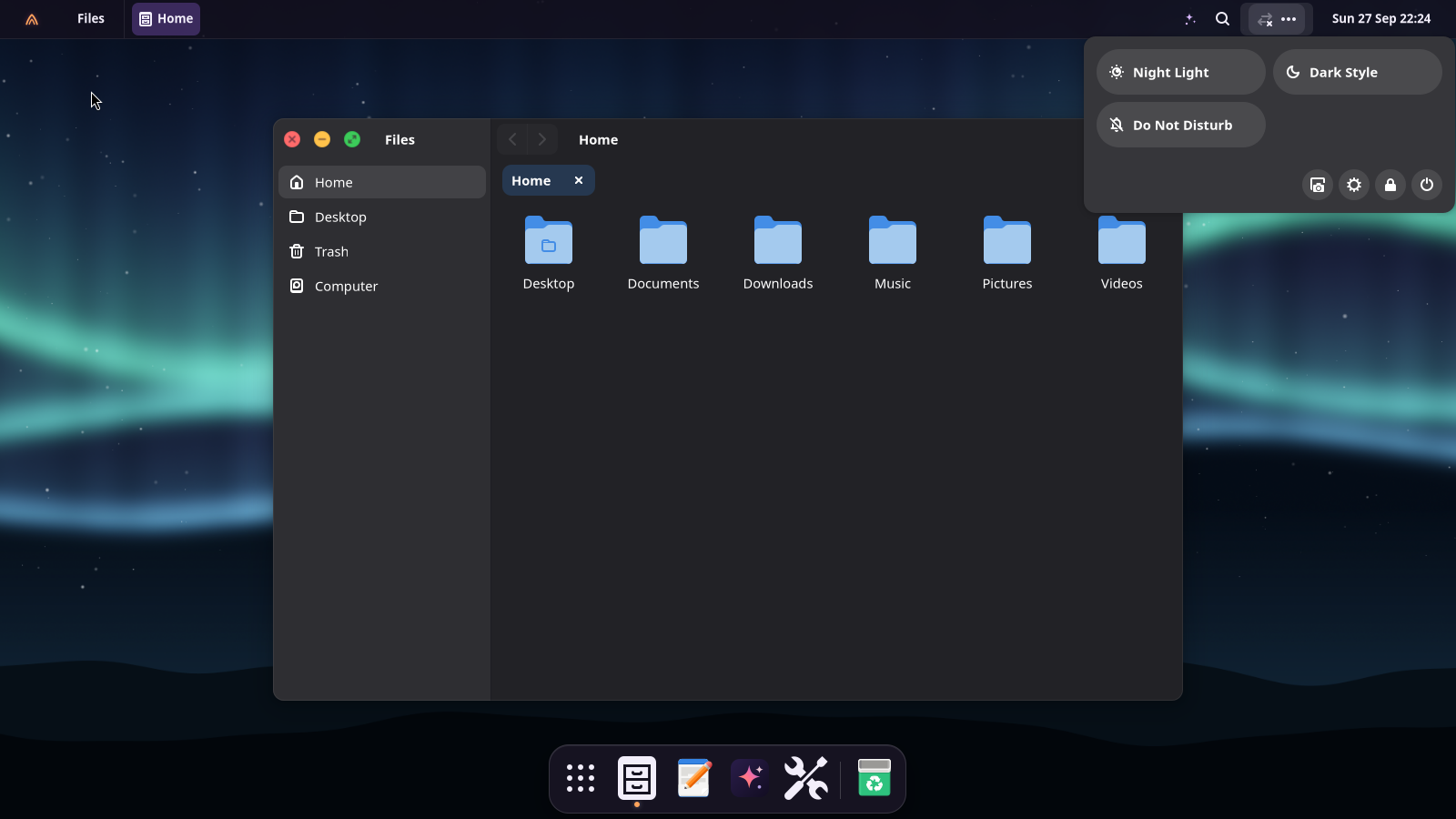
Windows fade in as they open and files float in as a folder opens. One switch in Appearance turns them off.
♿ Accessible to everyone
Zoom the whole screen or a lens with Super+Alt+8, a screen keyboard, larger text and pointer, high contrast, reduced motion, a screen reader and visible scrollbars.
⚙️ Settings for every day
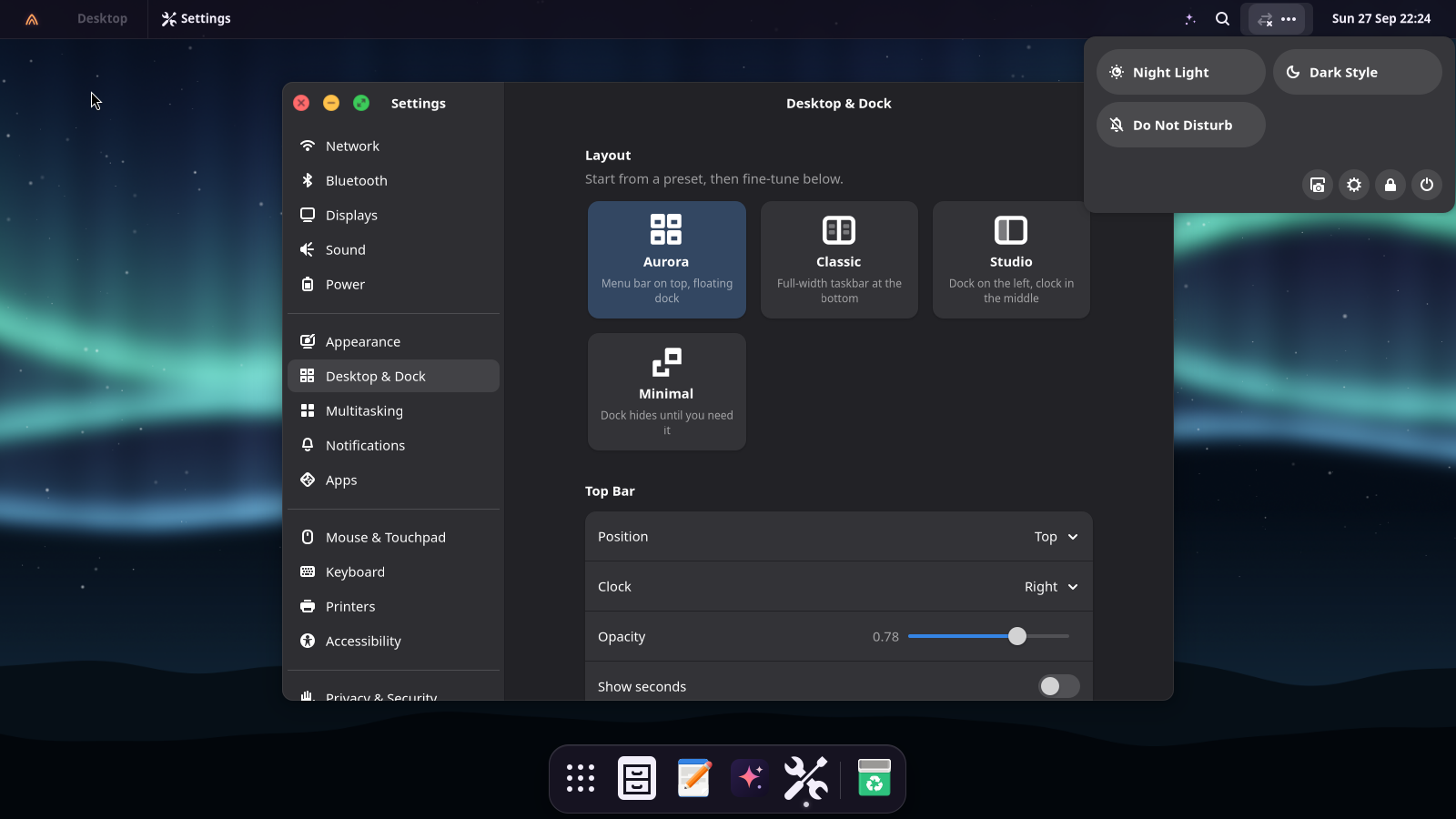
Automatic suspend, power button and lid, battery percentage, sound balance, notifications per app, what to do with a USB drive, a Compose key, online accounts, what Spotlight shows.
🔘 Buttons that say what they do
The round colored window buttons always show ×, − and arrows to expand or restore, not only on hover.
♻️ Safe to experiment
Backups with Déjà Dup, compressed RAM swap, and Flatpak apps that never touch the system.
 Aurora OS
Download
Aurora OS
Download

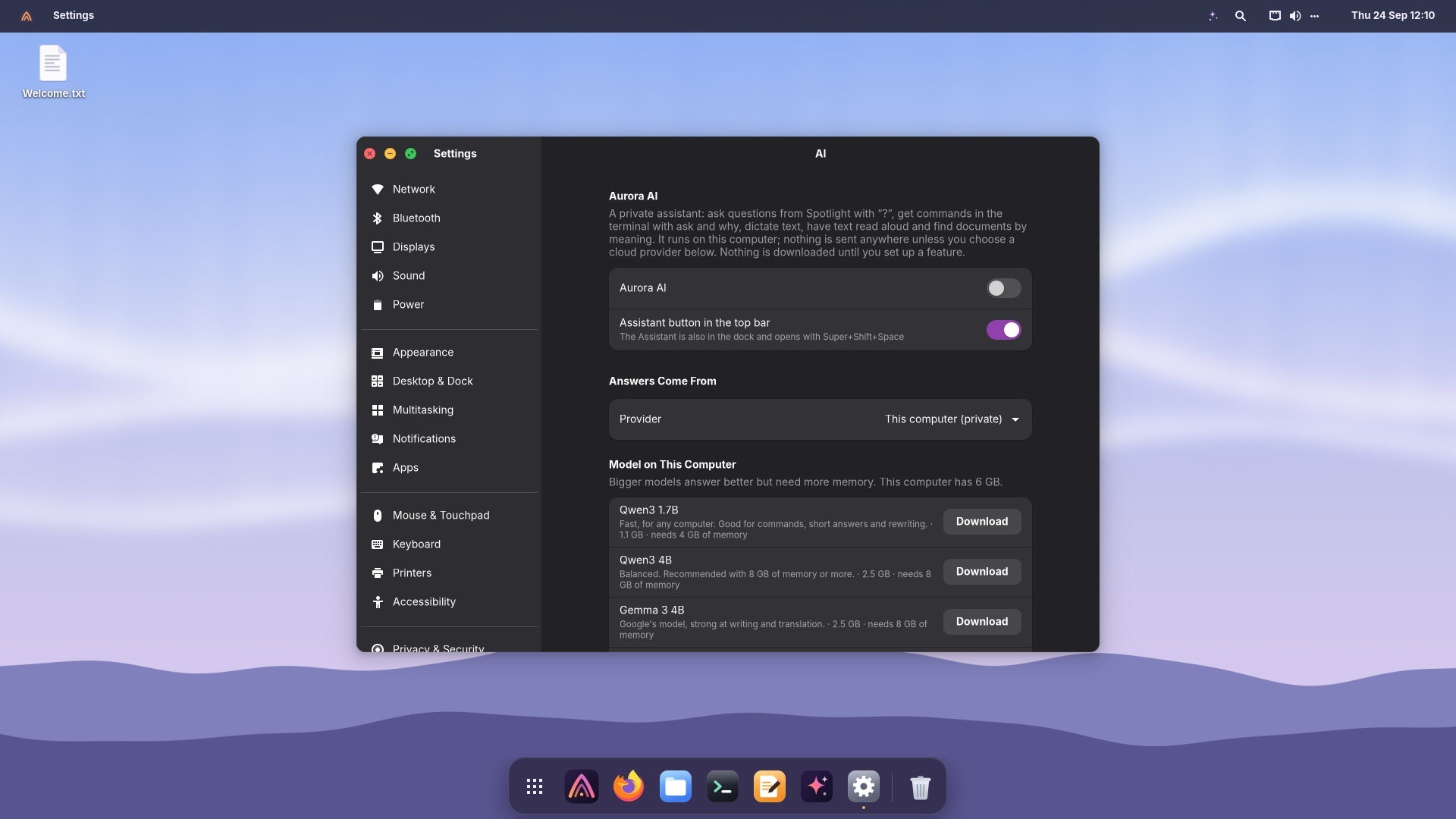
 Private AI, built in
 Undo any update
 90 dev tools, one click
 Steam, Windows & Android apps